 Eco Note
Notes
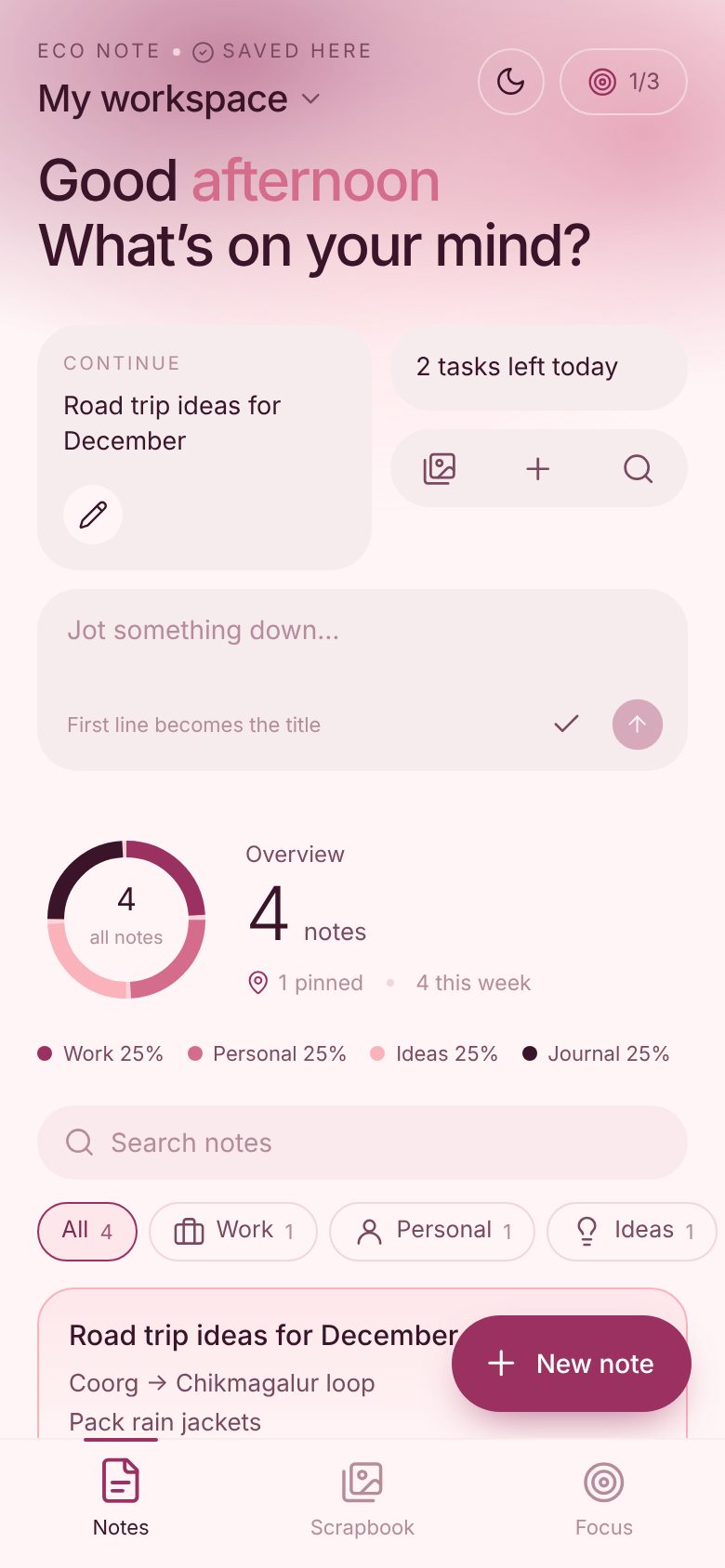
Write, pin and sort notes into Work, Personal, Ideas and Journal. Search finds them as you type.
Not in the cloud.in a data centre in Navi Mumbai.on our server. (We don’t have one.)in an AI’s training set.in our group chat.anywhere but your pocket.
Eco Note is a notes, scrapbook and to-do app that keeps everything on your device. No account, no cloud, no server. We don’t have one. We checked under the desk.
Free. Works offline. No sign-up, because there’s nothing to sign up to.
On iPhone? It installs straight from Safari.
Every note, task and image is saved in the app’s storage on your device. Nothing is uploaded, because there’s nowhere to upload it to.
Nothing to log in to, and no password to forget.
Turn on airplane mode. Everything still works, because it was never online to begin with.
We don’t know how many notes you have. Honestly, we’re curious. We can’t find out.
Other apps show you their data centres. Here’s ours. Hover over it (or tap it) for the full experience.
Three tabs, and a home screen that gets you writing in one tap.
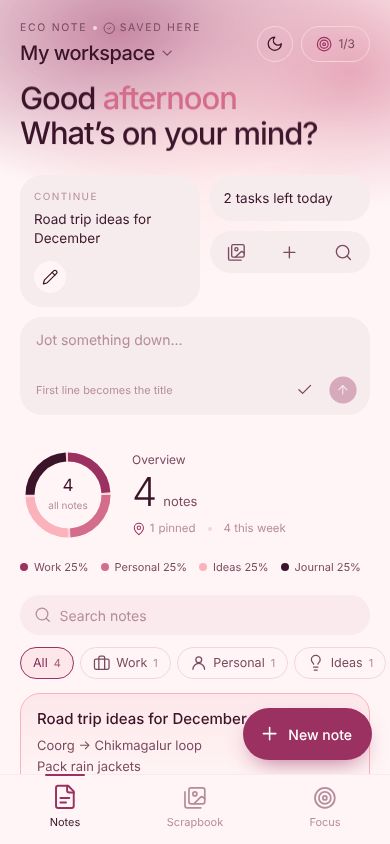
Write, pin and sort notes into Work, Personal, Ideas and Journal. Search finds them as you type.
Save screenshots and moodboard images. Double-tap one to favourite it.
A daily checklist with a progress bar, and confetti when you finish everything. You earned it.
Type a line on the home screen and press Enter. That’s a note now. Tap the tick instead and it’s a task.
Save text you paste often, like a meeting link or your address, and copy it with one tap.
Tap a colour and this page switches to it, the same way the app does.
No cloud means no automatic backup. Instead you get one file with everything in it, and you decide where it lives.
One honest warning: if you lose your phone or clear the app’s data without a backup, your notes go with it. We can’t restore them. We never had a copy. That’s the trade, and we think it’s a good one.
Not on the Play Store, so Android will double-check with you. That’s normal.
No App Store app yet. Apple charges $99 a year to list one, so we’re saving up.
Until then, the web app installs on iPhone and works offline, like a real app:
In the app’s local storage on your device. Images go in IndexedDB, which is also on your device. Nowhere else.
Not automatically. Sync needs a server, and we don’t have one. Export a backup on one device and import it on the other.
We’d have to have it first.
Your notes are deleted along with it. Export a backup before you clear anything.
No. No cookies, no analytics, and even the fonts come from this site instead of Google.
Sort of. The web app installs from Safari, works offline and sits on your Home Screen like any other app. A proper App Store version costs $99 a year, which we’re currently saving one coffee at a time.
Yes. Running zero servers turns out to be very affordable.